
SMS Forwarder
 Text, OTP & 2FA — forwarded where you actually look
Your OTPs, 2FA codes, and alerts shouldn't be trapped on one screen. SMS Forwarder relays every incoming text to the places you actually check — automatically, privately, and without draining your battery.
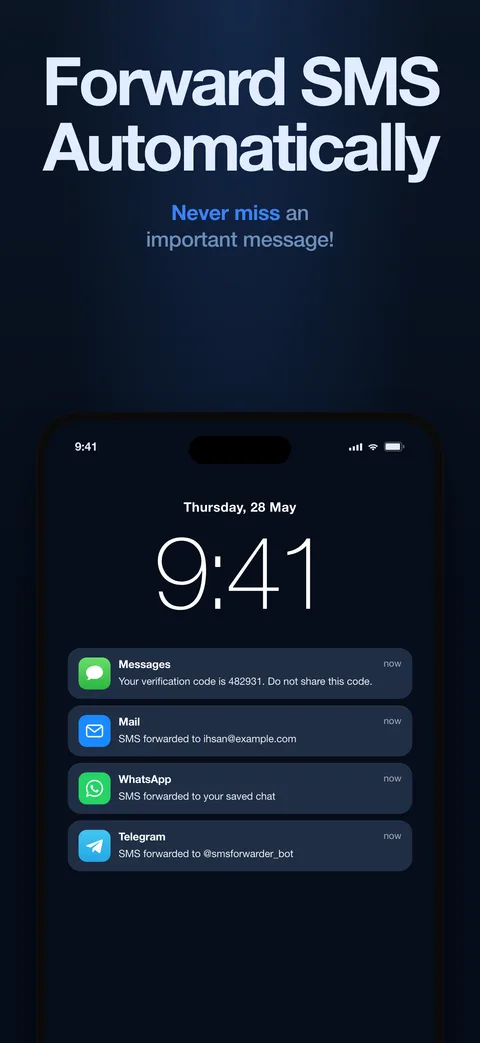
Destinations
Forward anywhere you already look
Every text lands in your inbox automatically — ideal for OTPs and 2FA codes you need on a laptop.
Telegram
A dedicated bot delivers messages to you or a group. Fast, free, reliable.
Send incoming SMS straight to the WhatsApp contact or number you choose.
Slack
Pipe client texts and team notifications into any channel, instantly.
Discord
Deliver SMS to a server channel — great for communities, alerts, and personal automations.
Forwarding rules
Map senders or keywords to destinations. Your bank goes to email; your family goes to Telegram — your call.
How it works
Set it once, forget it forever
-
Install and connect
In-app onboarding walks you through Apple Shortcuts setup, step by step — no technical knowledge needed.
-
Pick destinations and rules
Choose where texts go, add sender or keyword filters, and optionally limit forwarding to a schedule.
-
Send a test, then relax
The built-in test flow verifies your setup end to end. From then on, forwarding runs by itself.
Privacy-first by design
SMS Forwarder never stores your message content. Forwarded data is wrapped in end-to-end RSA-OAEP-SHA256 encryption on the way to its destination, and the automation runs on Apple's own Shortcuts framework — no background services, no shady permissions. Details in the privacy policy.
Take a look
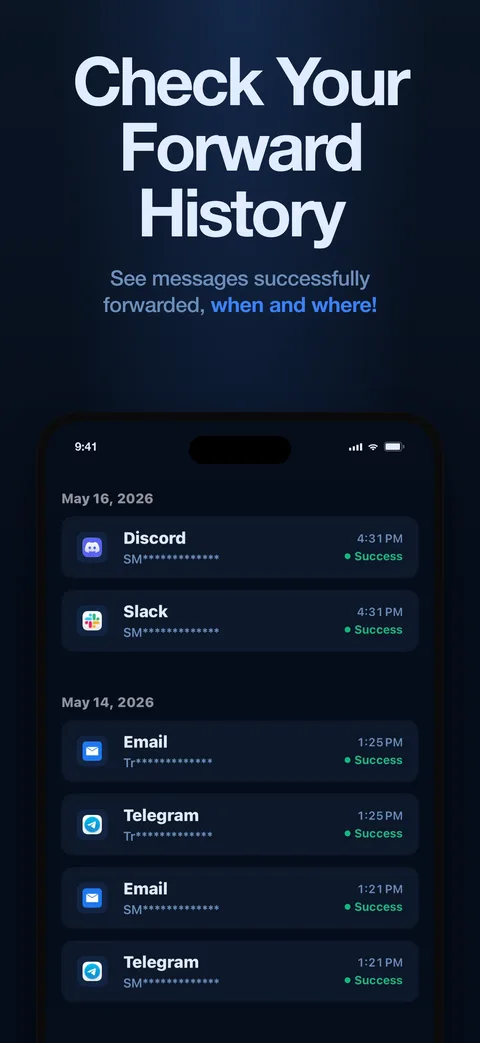
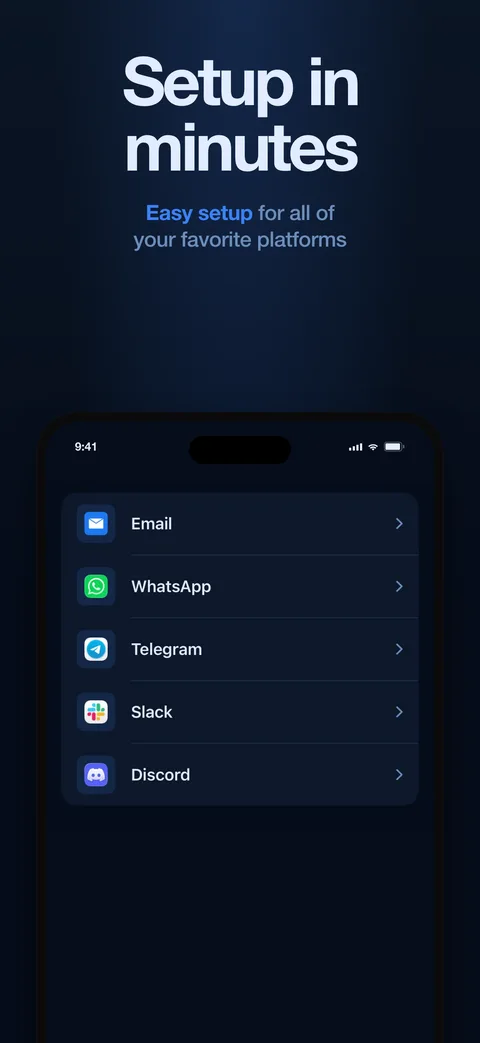
Screenshots

At a glance
| Price | Free |
|---|---|
| Platform | iPhone, iOS 15.0 or later |
| Category | Utilities — messaging automation |
| Destinations | Email, Telegram, WhatsApp, Slack, Discord |
| Filtering | Sender and keyword rules, schedule-based forwarding |
| Privacy | No message content stored; RSA-OAEP-SHA256 encryption in transit |
| Developer | Hohol Apps |
| Download | App Store |
Questions
Frequently asked
How does SMS Forwarder work?
It is a native iOS automation built on Apple's own Shortcuts framework. When a text arrives, the shortcut forwards it to your chosen destinations — no background services, no battery drain, no unusual permissions.
Where can it forward my texts?
To email, Telegram, WhatsApp, Slack, and Discord. Forwarding rules let you route by sender or keyword — banking codes to your inbox, family messages to Telegram, client texts to a Slack channel.
Is my message content stored?
No. The app never stores your message content, and forwarded data is protected with end-to-end RSA-OAEP-SHA256 encryption on its way to the destination.
How long does setup take?
About five minutes. Step-by-step onboarding inside the app wires up the shortcut, and a built-in test message verifies the whole path end to end. Set it once and forget it.
Curious what shipped recently? Read the changelog.
Stop copying codes by hand
Install SMS Forwarder, wire it up in five minutes, and let your texts find you.
Download on theApp Store